The number one reason small business owners delay switching to billing software is intimidation. Words like "journal entry," "party ledger," "stock voucher," and "GSTR reconciliation" make billing software sound like it requires an accounting degree.
It doesn't — not anymore. Khata Billing is designed from the ground up for people with no accounting background. If you can operate WhatsApp, you can use Khata Billing.
✅ Key Takeaways
- Zero accounting jargon — plain English throughout
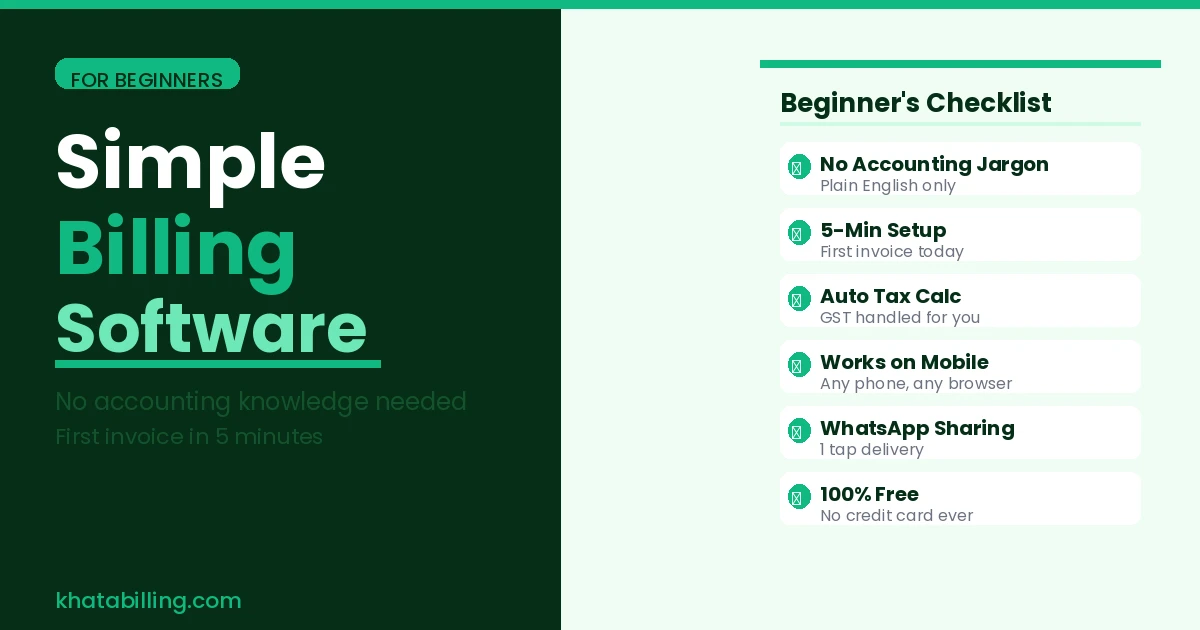
- Create your first invoice in under 5 minutes
- Auto GST calculation — no knowledge of tax rules needed
- Guided setup — step-by-step from signup to first invoice
- Every field has a plain description of what to enter
- One-tap WhatsApp sharing — no complex email workflow
- Free — no risk to try it today
- Full GST compliance without understanding GST
What Makes Billing Software Hard for Beginners?
Traditional billing software is hard for beginners because it was designed for trained accountants:
- Accounting terminology: "Debit," "credit," "ledger," "voucher," "journal" — terms that mean nothing to a shop owner
- Complex setup: Creating a "chart of accounts" before you can bill a single customer
- Manual tax selection: Having to know whether to apply CGST or IGST yourself
- Hidden fields: Important fields buried in sub-menus that are easy to miss
Khata Billing removes every one of these barriers.
How Khata Billing Simplifies Every Step for Beginners
Sign up: Name, phone number, business name. Done.
Add your business: "Business Name," "Address," "GSTIN" — all plain labels.
Add products: "Product Name," "Price," "GST Rate." No "stock item category" or "ledger group" to configure.
Create invoice: "Select Customer" → "Add Products" → "Save." Three steps. GST auto-calculated.
Share with customer: Tap "WhatsApp." Done.
That's the entire workflow — and it's all you need for 80% of daily billing operations.
Beginner's Checklist — Your First Week on Khata Billing
Day 1 — Setup (30 minutes):
- Sign up free at khatabilling.com
- Add your business name, address, GSTIN, and logo
- Add your top 20 products with names, prices, and GST rates
Day 2 — First Invoice:
- Click New Invoice
- Add customer name and state
- Select 2-3 products from your list
- Click Save and share on WhatsApp
- Congratulations — you created a compliant GST invoice
Week 1 — Build the habit: Create an invoice for every sale. By the end of the week, it takes under 60 seconds per invoice and you've built your customer database automatically.
Billing software doesn't have to be complicated. Khata Billing proves that GST-compliant invoicing, inventory management, and customer tracking can all happen without any accounting knowledge — and for free.
Start at khatabilling.com — create your first invoice in 5 minutes, no accounting degree required.