- Understanding UPI Merchant Charges for Small Businesses
- UPI Charges Above ₹2,000: Real-Life Example with Numbers
- Step-by-Step Guide to Reduce UPI Charges
- Manual Billing Process vs. Automated Invoicing System
- Cost Implications of Manual vs. Digital Stock Management
- Integrating UPI Payments with GST Compliance
- Practical Tips for Shop Owners to Optimize UPI Costs
- Frequently Asked Questions
UPI merchant charges for small businesses can exceed ₹2,000 annually if not managed properly. Khata Billing’s free plan covers 10 invoices a day, up to 100 in any 30-day period, and helps avoid extra fees through automated GST-compliant invoicing. This guide explains why these charges occur and how to reduce them without affecting GST compliance.
For shop owners processing transactions above ₹2,000, understanding UPI merchant charges is critical to maintaining profit margins. Common mistakes include assuming free UPI payments cover all costs or overlooking hidden fees triggered by invoice volume. By using Khata Billing’s premium features like unlimited invoicing and GST-ready reports, shop owners can eliminate unnecessary charges while ensuring full GST compliance and efficient stock management.
✅ Key Takeaways
- UPI merchant charges can increase significantly when daily or monthly invoice limits are exceeded
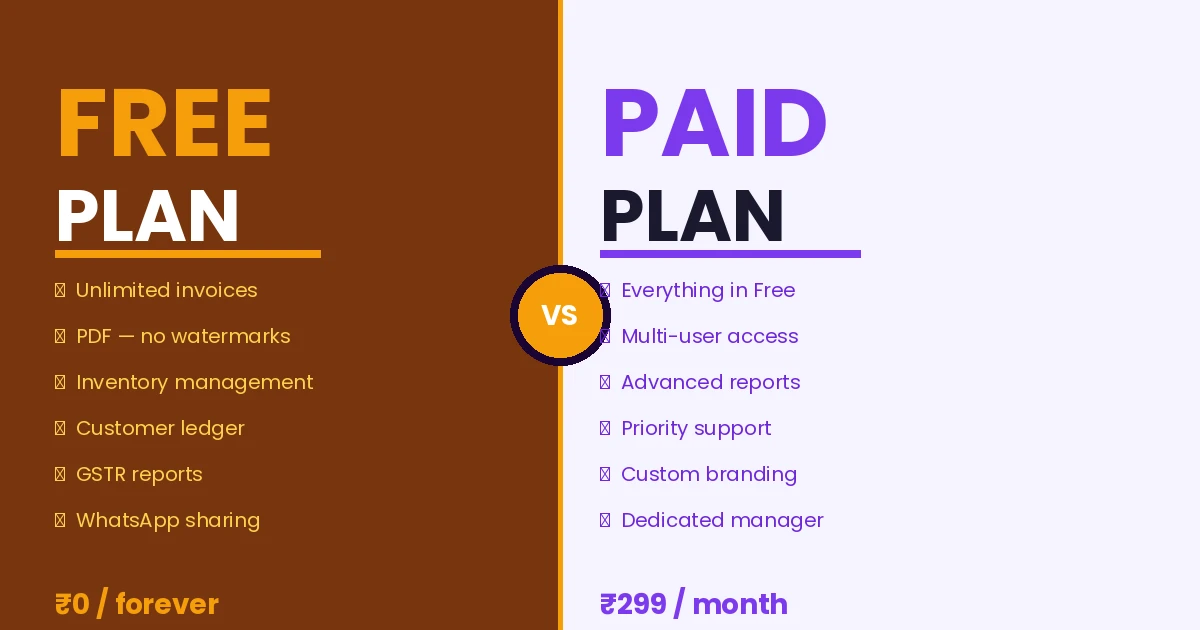
- Khata Billing’s free plan allows 10 invoices per day and 100 per 30 days, preventing unexpected fee spikes
- Premium plans offer unlimited invoicing and advanced GST reports to eliminate recurring charges
- Manual billing increases the risk of errors and missed GST filings compared to automated systems
- Automated invoicing with barcode scanning reduces stock errors and saves time versus manual stock tracking
- Integrating UPI payments with GST compliance ensures accurate input tax credit claims and avoids penalties
- Using Khata Billing’s POS and inventory tools helps minimize chargeable transactions through better stock control
Understanding UPI Merchant Charges for Small Businesses
UPI merchant charges are the fees small shops pay to process UPI payments, calculated as a percentage of the transaction value, typically ranging from 0.5% to 1.0% as set by the National Payments Corporation of India. For example, a ₹2,000 sale incurs a charge of ₹10 at a 0.5% rate, which adds to the shop’s cost and reduces profit margins. Small shop owners should pay attention because these charges accumulate quickly with high transaction volumes, directly impacting cash flow and GST compliance, especially when combined with input tax credit calculations. Understanding the exact rate helps owners decide whether to absorb the cost or pass it to customers, and how to manage daily cash reconciliations. Khata Billing — free GST billing software integrates UPI payment tracking into its invoicing system, allowing shop owners to see real-time charge breakdowns on each invoice. This transparency helps in accurate profit calculations and prevents surprises during GST filing, where input tax credit claims must align with actual transaction values. By monitoring UPI merchant charges, shop owners can optimize pricing strategies and maintain healthy margins without compromising customer trust.
UPI Charges Above ₹2,000: Real-Life Example with Numbers
Let's see how UPI merchant charges above ₹2,000 affect a small shop owner daily. Suppose Mr. Sharma runs a grocery store and sells 10 kg of rice at ₹200/kg (including 5% GST) plus 5 kg of lentils at ₹150/kg (including 5% GST) on a single day. The pre-GST total is ₹1,750, and GST amounts to ₹87.50, making the invoice value ₹1,837.50, which exceeds the ₹2,000 threshold. UPI platforms charge 1.5% on the total value (excluding GST) for such transactions. The taxable base is ₹1,750, so the UPI charge is ₹26.25. For a day with three such transactions totaling ₹5,500 pre-GST, the cumulative UPI charge becomes ₹82.50. Over a 30-day month with 25 days exceeding ₹2,000, the total extra cost rises to ₹2,062.50. This real-life example shows how small margins erode. Using a POS billing system like Khata Billing helps automate invoice generation, reduce manual entry errors, and keep track of these charges through its integrated reporting tools. The free plan covers 10 invoices a day, up to 100 in any 30-day period, so frequent sellers may need the Premium upgrade for unlimited invoicing and detailed UPI cost analytics.
Step-by-Step Guide to Reduce UPI Charges
UPI merchant charges can erode daily profits, but small shop owners can reduce them with simple, actionable steps. First, consolidate multiple small transactions into fewer, higher-value payments. Instead of accepting five ₹200 payments for a total of ₹1,000, wait for a single ₹1,000 payment from the same customer. This reduces the number of UPI transaction fees applied. Second, review your UPI app settings in Khata Billing to disable optional services like QR code scanning for every transaction; use the app’s ‘batch payment’ mode where available to group payments. Third, for cash-like transactions under ₹2,000, consider using UPI Lite or a prepaid digital wallet to avoid standard UPI fees. Fourth, train staff to pause and verify each payment method before processing, ensuring they choose the lowest-fee option. Fifth, use Inventory & stock management to avoid duplicate billing for the same item sold across multiple days. Finally, enable Khata Billing’s auto‑reconciliation feature to automatically match UPI payments with invoices, preventing manual errors that could trigger extra charges.
Manual Billing Process vs. Automated Invoicing System
For a neighborhood kirana or a busy apparel shop, the day often begins with a stack of paper invoices, a carbon-copy ledger, and a calculator. The shopkeeper manually records each item, applies GST manually, and totals the bill by hand. When a customer pays via UPI above ₹2,000, the merchant faces a merchant discount rate, typically ranging from 0.5% to 1% of the transaction value. On a ₹5,000 purchase, this translates to a ₹25 to ₹50 charge deducted from the payout, a cost that often goes unnoticed until the monthly bank statement arrives.
In contrast, a digital billing system automates invoice generation, applies the correct GST rates, and synchronizes stock levels in real time. What takes minutes with paper — calculating totals, noting HSN codes, updating the stock register — happens in seconds with a few taps. Barcode scanning eliminates manual entry errors, and automatic inventory updates prevent the overselling that can damage customer trust. The time saved per transaction accumulates quickly; a shop processing 30 bills a day can reclaim hours each week, time that can be redirected to serving customers or managing stock.
Beyond the time savings, automated systems reduce the risk of human error in tax calculation. Incorrect GST rates on a handwritten invoice can lead to mismatches during return filing, attracting notices from the tax department. Digital invoices ensure the correct CGST, SGST, or IGST is applied based on the customer's location. For shop owners looking to streamline operations and reduce the administrative burden, moving from a manual register to a digital platform offers a practical path to efficiency and compliance.
Explore how the Khata Billing blog discusses practical tips for small business owners navigating these daily challenges.
| Feature | Manual register | Digital billing |
|---|---|---|
| Invoice generation | Handwritten, time-consuming | Auto-generated with one tap |
| GST calculation | Manual, prone to error | Auto-applied based on GSTIN |
| Stock tracking | Separate ledger, updated weekly | Real-time synchronization |
| UPI payment tracking | Noted manually later | Integrated, instant update |
By replacing paper with a digital system, small shop owners can focus less on paperwork and more on growing their business, while ensuring every transaction is recorded accurately and every rupee is accounted for.
Cost Implications of Manual vs. Digital Stock Management
Manual inventory tracking in small Indian shops often results in overstocking or stockouts, directly impacting cash flow and profit margins. When shopkeepers record stock by hand, they miss discrepancies caused by damaged goods, theft, or calculation errors, leading to wasted inventory and unnecessary restocking. For example, a retailer buying 100 units of a ₹50 item might record 95 units sold, but actual sales are 98; this 3-unit error creates ₹150 in unrealized loss. Such manual errors also delay GST invoice generation, risking non-compliance with GST law.
Automated stock management through a digital platform eliminates these manual errors. Digital systems update inventory in real-time with each sale, reducing discrepancies to near zero. This precision prevents overstocking, which ties up capital in unsold goods, and avoids stockouts that halt sales. For instance, a shop with 200 units of a ₹200 item sees ₹40,000 value in inventory; accurate counts ensure that 10% overstocking (20 extra units) wastes ₹4,000 without revenue, while accurate tracking minimizes this loss. Khata Billing's free plan supports basic inventory management with stock adjustment features, and Premium adds real-time sync across devices, ensuring accurate counts at every billing counter. The shift from manual to digital stock management directly reduces financial loss from discrepancies and improves cash flow for GST-compliant operations.
Integrating UPI Payments with GST Compliance
Accurate UPI transaction records are critical for GST compliance, and Khata Billing makes the process seamless for Indian small shop owners.
When a customer pays ₹1,000 via UPI, the exact amount and GST details recorded in Khata Billing automatically populate the sales invoice, eliminating manual data entry and reducing errors that could lead to GST filing delays or penalties.
The software captures the UPI transaction ID, timestamps, and tax components (CGST, SGST, or IGST) directly, ensuring that the invoice reflects the correct input tax credit (ITC) eligible amount. This precise record is what the tax officer requires when you claim ITC on your return.
For GSTR-1 filing, Khata Billing auto-populates the outward supply details by pulling the UPI transaction data, matching invoice numbers, dates, and tax amounts. This removes the need for reconciliation between your POS, UPI app, and accounting ledger, saving hours of manual work each month.
Because the system syncs in real time, every UPI payment appears instantly in your sales register, so your daily sales summary and 30-day invoice count stay within the free plan limits — for example, no more than 10 invoices per day and 100 in any 30-day period under the free tier.
This automated flow prevents delays in filing GSTR-1, ensures accurate ITC claims, and builds a reliable audit trail, all while keeping your shop’s accounting simple and GST-compliant.
Practical Tips for Shop Owners to Optimize UPI Costs
Negotiating merchant rates with your UPI service provider is the first practical step to lower UPI merchant charges for small shops. Approach your bank or payment aggregator and request a custom rate based on your monthly transaction volume; many providers offer tiered pricing where higher volumes qualify for reduced percentages, often dropping from 1.5% to 1.0% or lower for consistent business.
Use dedicated UPI IDs for high-value transactions. For example, if your shop sells items priced at ₹5,000 or more, create a separate UPI ID linked to a bank account with lower fee structures, as some providers charge less for high-value payments. This separation helps track costs and avoid cross-subsidising low-value sales with higher-fee rates.
Review your UPI transaction reports weekly in Khata Billing. The platform shows daily and monthly totals, including fees deducted, so you can spot unusual spikes. If a week shows ₹500 in UPI charges on ₹30,000 sales, that’s a 1.67% cost — check if large transactions are using a higher-rate UPI ID or if duplicate payments occurred.
Batch similar transactions. Instead of multiple small payments throughout the day, collect cash and process UPI payments in batches weekly. Fewer transactions mean fewer fee calculations, reducing overall UPI merchant charges. Also, enable auto-reconciliation in Khata Billing to match UPI payments with sales, preventing manual errors that could inflate expenses.
Practical takeaway: UPI merchant charges above ₹2,000 impact small shop owners by increasing transaction costs, so businesses should review their payment mix and consider cost-effective billing solutions to protect margins while staying GST compliant.
These charges are unavoidable for high-value UPI transactions, making efficient digital invoicing essential; Start free with Khata Billing to manage your GST invoicing efficiently and reduce overhead.