Whether you run a shop, trading business, or service company, reliable billing software on your PC or laptop is essential. A good desktop billing solution must handle GST invoicing, inventory, and customer accounts — all without complex setup.
This guide covers the best billing apps for PC and laptop users in India for 2026, focusing on ease of use, GST compliance, and value.
✅ Key Takeaways
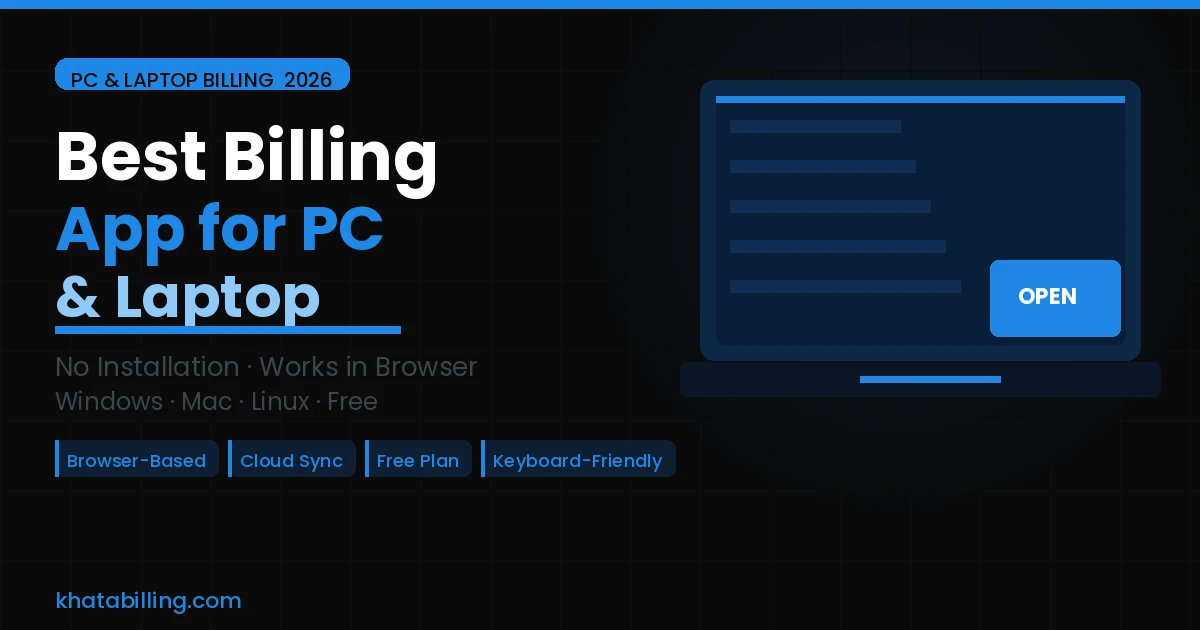
- Works on any PC or laptop — Windows, Mac, Linux
- No installation required — runs in browser
- Full GST invoicing with auto CGST/SGST/IGST
- Keyboard-friendly for fast desktop billing
- Cloud sync — access from any device anytime
- Free plan with 10 invoices a day, free forever
Why Browser-Based Billing Beats Installed Software
Traditional billing software required installation on one specific PC. If that machine broke, you lost access. Updates were manual and compatibility issues with Windows versions were common.
Browser-based apps like Khata Billing solve all of this. Open any browser on any computer — your billing system is instantly ready. No setup, no drivers, no compatibility issues. Your data is automatically backed up to the cloud.
Khata Billing on PC — Key Advantages
Khata Billing is optimised for desktop use:
- Full dashboard view: Sales, collections, stock alerts on one wide screen
- Tab through fields quickly: Keyboard-friendly invoice creation for high-volume billing
- Multi-window support: Customer ledger in one tab, invoice in another
- Detailed reports: GST, sales analysis, and stock reports — much easier to read on a large monitor
How to Start on Your PC — 3 Steps
- Open Chrome or any browser, go to khatabilling.com
- Sign up free — no download, no installation
- Add your GSTIN and products, start billing immediately
Bookmark the URL for one-click daily access. You can also install Khata Billing as a PWA (Progressive Web App) for a near-native desktop experience.
Alternatives for PC Billing
Tally Prime: Most complete desktop accounting+billing tool. Requires installation, costs ₹18,000+, steep learning curve — worth it only if you need full accounting.
Vyapar: Available as Windows desktop app with offline support. Slightly more complex than Khata Billing for basic use.
Khata Billing: Best for businesses wanting simple, GST-compliant billing on PC with zero installation cost. Free plan covers most small business needs.
For most Indian small businesses needing billing on a PC or laptop, Khata Billing delivers the best combination — simplicity, GST compliance, and zero cost. No installation, works on any computer you already own.
Open khatabilling.com in your browser right now and create your first invoice in minutes.