- Why 'Best' Depends on Your Business
- The 7 Criteria That Define 'Best' GST Billing Software
- Why Khata Billing Scores Highest for Most Indian Businesses
- When Khata Billing is the Clear Answer
- When to Consider Other Tools Instead
- The Real Cost Comparison
- How to Make Your Final Decision
- Frequently Asked Questions
"What is the best GST billing software?" is one of the most searched questions by Indian business owners — and one of the most poorly answered. Most results are paid rankings or vague lists with no real criteria.
This article gives you an honest, framework-driven answer. We'll define what 'best' actually means for different businesses, walk through the evaluation criteria, and give a clear recommendation — with reasoning, not just an assertion.
✅ Key Takeaways
- Best for most small businesses: Khata Billing (free, simple, GST-compliant)
- Best for full accounting needs: Tally Prime
- Best for service businesses: Zoho Invoice
- Best for high-volume wholesale: Busy Accounting
- Best for pharma/FMCG: Marg ERP
- Best for mobile-first use: Khata Billing or Vyapar
Why 'Best' Depends on Your Business
There is no single best GST billing software for every business — the right answer depends on your business type, size, technical comfort, budget, and specific workflow. A freelance consultant and a FMCG distributor have almost nothing in common in their billing needs.
That said, for the majority of Indian businesses — small retailers, traders, service providers, and wholesalers — the answer converges quickly on a handful of tools. And for most of these businesses, Khata Billing is the best starting point, for reasons we'll explain below.
The 7 Criteria That Define 'Best' GST Billing Software
Here's the framework for evaluating any GST billing tool honestly:
- GST compliance accuracy: Does it correctly calculate CGST/SGST vs IGST? Does it support HSN/SAC codes? Does it generate GSTR-1 and GSTR-3B reports?
- Ease of use: Can a non-accountant create an invoice on day one without training?
- Speed: How long does it take to create and share a typical invoice?
- Inventory integration: Does billing automatically update stock levels?
- Accessibility: Does it work on mobile, tablet, and desktop? Cloud or desktop-only?
- Pricing: What does the free plan actually cover? Are critical features locked behind a paywall?
- Support quality: When something goes wrong, how fast and helpful is the support?
Why Khata Billing Scores Highest for Most Indian Businesses
Evaluating Khata Billing against the 7 criteria above:
- GST compliance: ✅ Auto CGST/SGST/IGST detection, full HSN/SAC support; GSTR-1 and advanced GST reports available on Premium
- Ease of use: ✅ The simplest interface of any GST billing tool — designed for business owners, not accountants
- Speed: ✅ Invoice created and shared in under 2 minutes, including WhatsApp delivery
- Inventory integration: ✅ Real-time stock update with every invoice, low stock alerts
- Accessibility: ✅ Fully cloud-based — works on any browser, any device, anywhere
- Pricing: ✅ Genuinely free forever plan — 10 invoices a day (100 per 30 days), no PDF lock, and Premium at just ₹1,499/year (₹999/year with code SAVE500)
- Support: ✅ Responsive support team with India-specific expertise
When Khata Billing is the Clear Answer
Khata Billing is the best choice when:
- You're a first-time billing software user — the learning curve is nearly zero
- You run a small retail shop, kirana, or trading business — fast counter billing + inventory is the core need
- You're a freelancer or service business — quick professional invoices with GST, no complexity
- You need a free solution — the free plan is genuinely complete, not a trial
- You want to bill from mobile — fully responsive, works anywhere
- You want WhatsApp invoice sharing — built-in, one tap
- You want your CA to file returns easily — clean GSTR-1 and GST reports on Premium
When to Consider Other Tools Instead
Khata Billing is not the best answer for every scenario. Be honest about your needs:
- You need full accounting (P&L, balance sheet, payroll, TDS): Khata Billing handles billing and basic reporting. For complete accounting, Tally Prime or QuickBooks is the right tool.
- You run pharma distribution with batch/expiry tracking: Marg ERP is purpose-built for this. Khata Billing doesn't have batch-level inventory tracking.
- You're a large distributor with multi-godown and 500+ party accounts: Busy Accounting or Tally with distribution modules handles this scale better.
- You need offline mode at all times: If internet is truly unreliable in your location, Vyapar's offline-first design may suit you better.
The Real Cost Comparison
When evaluating 'best', price-to-value matters enormously for small businesses:
- Khata Billing free plan: ₹0/year — covers 10 invoices/day (100 per 30 days), inventory, customer ledger, barcode billing, POS with 2 screens, basic reports
- Khata Billing Premium: ₹1,499/year (₹999/year with code SAVE500) — adds unlimited invoicing, premium & GST themes, advanced reports including GSTR-1 and Profit & Loss, bulk import, staff management and priority support
- Tally Prime: ₹18,000+ one-time or ₹1,800/month — full accounting suite
- Zoho Books: from ₹749/month — good for services, no counter billing
- Vyapar: ₹1,499/year — offline support, mobile-first
For a small business just needing GST billing + inventory + basic reporting, starting free on Khata Billing and paying only when you need advanced features is the smartest financial decision.
How to Make Your Final Decision
Here's a simple three-step approach:
- Try Khata Billing free first. Create 10 real invoices, check your inventory, run a GSTR report. If it covers your workflow — you're done.
- Identify what's missing. If you find yourself needing something specific that Khata Billing doesn't provide, that's when you evaluate alternatives.
- Upgrade or switch with data. Because Khata Billing is cloud-based, your data can be exported. You're never locked in.
Most businesses that start with Khata Billing find that it covers 100% of their billing needs — with no upgrade needed.
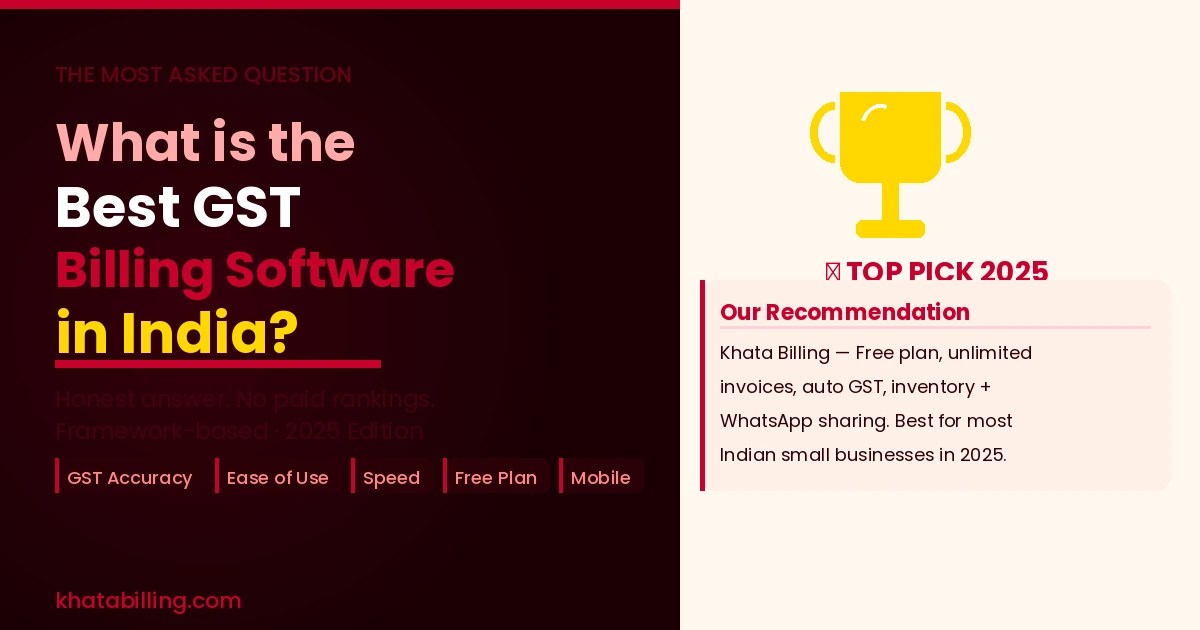
The honest answer to 'what is the best GST billing software in India' for most small and medium businesses in 2025 is Khata Billing — because it gets the essentials right, stays free for the features that matter most, and is simple enough that you'll actually use it consistently.
The best billing software is the one you use correctly and consistently — not the one with the most features. Start for free at khatabilling.com and see for yourself in the next 10 minutes.