- Understanding UPI Payments for Indian Retailers
- Manual Transaction Challenges for Daily Retail Operations
- How Khata Billing Automates UPI Payment Workflows
- Worked Example: Daily UPI Transaction Flow with Real Numbers
- Step-by-Step Guide to Setting Up UPI Collections at the Point of Sale
- Comparing Manual vs Automated UPI Payment Handling
- Maximizing Daily Revenue with Integrated UPI and Inventory Management
- Frequently Asked Questions
UPI payments Indian retailers use daily to accept money from customers without cash or card. Khata Billing integrates UPI payments directly into GST invoicing to simplify daily transactions.
Small shops, retailers, and service providers face manual transaction challenges that slow down sales and create accounting errors. Using Khata Billing with UPI payments reduces these problems and improves revenue tracking.
✅ Key Takeaways
- UPI payments Indian retailers use daily to accept money without cash or card
- Khata Billing integrates UPI payments directly into GST invoicing
- Manual transaction challenges include slow entry and accounting errors
- Khata Billing automates UPI payment workflows for faster sales
- Worked example shows real daily UPI transaction flow with numbers
- Step-by-step guide to set up UPI collections at the point of sale
- Automated UPI payment handling versus manual methods saves time and money
- Integrated UPI and inventory management maximizes daily revenue
Understanding UPI Payments for Indian Retailers
UPI payments Indian retailers use for daily transactions are a real-time digital payment system built on the Immediate Payment Service (IMPS) network, enabling shop owners to receive money instantly into their bank accounts without cash or card swipes. Small shop owners adopt this method because it reduces the risk of theft, eliminates change handling, and supports the digital payment expectations of modern customers across towns and villages. The primary benefits for daily cashless transactions include faster checkout times, automatic transaction records for GST compliance, and seamless integration with inventory tracking. For example, a neighborhood kirana store can scan a customer’s UPI QR code, receive the exact amount minus any GST, and automatically update the sale in their sales ledger, which helps in filing accurate GSTR-1 reports later. Khata Billing — free GST billing software integrates UPI directly into its invoicing workflow, allowing shopkeepers to generate GST-compliant invoices with a single tap while the payment settles in real time. This eliminates manual entry errors and ensures every transaction is traceable for input tax credit claims. The system also supports multiple payment modes, including UPI IDs and QR codes, making it adaptable to any customer preference. With Khata Billing, retailers experience smoother operations, reduced paperwork, and greater financial clarity without additional costs.
See more about Khata Billing — free GST billing software.
Manual Transaction Challenges for Daily Retail Operations
Small Indian retailers face daily manual transaction challenges that slow sales and create reconciliation errors. Handling cash receipts, matching physical invoices to bank deposits, and recording customer payments without digital integration leads to missed sales, GST filing discrepancies, and inventory mismatches. For example, a Mumbai kirana owner records a 5 kg packet of rice at ₹120 per kg (GST 5% = ₹6) and a 2 kg packet at ₹80 per kg (GST 5% = ₹4) for a total of ₹720 plus ₹36 GST, but forgets to note the 10-invoice daily limit on his free GST invoicing, causing a duplicate entry that must be manually corrected later. Reconciling these amounts with bank statements becomes error-prone when cash payments are not auto-synced, and staff must manually update stock levels after each sale. The absence of barcode scanning forces shopkeepers to key in product details repeatedly, increasing fatigue and typos. Without real-time data sync, the shopkeeper spends 15-20 minutes after closing to reconcile cash, check pending UPI payments, and adjust inventory — time that could be spent serving customers. This friction reduces daily turnover and invites GST audit risks. Modern solutions like Khata Billing address these pain points through automated invoice generation and digital payment capture, as explained on the Khata Billing blog.
How Khata Billing Automates UPI Payment Workflows
- Open the Khata Billing app and navigate to the UPI settings where you can enter your registered UPI ID from any UPI-enabled bank, such as a Google Pay, PhonePe, or other UPI app, allowing real-time payment receipts to sync directly with your sales ledger without manual entry.
- After saving your UPI ID, the platform automatically generates a unique QR code for each product or service, which you can print on a A4 sheet or display on a tablet at the billing counter, enabling customers to scan and pay instantly using any UPI app.
- When the customer scans the QR code, the payment request appears in the Khata Billing dashboard as a live transaction, showing the exact amount, GST rate, and item details, so the retailer can confirm the payment with a single tap and the system records it as a completed UPI payment.
- The real-time payment data flows into the inventory module, automatically deducting the sold quantity from stock levels and updating the Inventory & stock management summary, eliminating the need to manually adjust stock after each transaction.
- All confirmed UPI payments are logged with a unique invoice number that includes GST details, ensuring GST-compliant records are ready for filing without additional paperwork or reconciliation.
- Because the entire workflow happens within Khata Billing, daily transaction errors such as wrong amounts, missed entries, or duplicate invoices are reduced, allowing Indian retailers to focus on serving customers rather than correcting billing mistakes.
Worked Example: Daily UPI Transaction Flow with Real Numbers
Start the day by opening Khata Billing on your phone. A shopkeeper receives a ₹250 UPI payment from a customer for a notebook, records it in the app, and the system instantly updates the daily invoice count. Later, another customer pays ₹480 via UPI for a pen and pencil set, and the app adds this to the running total, keeping track of the 10-invoice daily limit. By noon, the shop has logged 7 invoices, with amounts totaling ₹1,250, including a 5% GST of ₹62.50 that the system calculates automatically. About Khata Billing ensures each transaction is timestamped and stored securely for later reconciliation.
| Manual register | Digital billing |
|---|---|
| ₹250 notebook + ₹480 pen set = ₹730 + manual GST calc = ₹766.50 | ₹250 notebook + ₹480 pen set = ₹730 + auto GST ₹62.50 = ₹792.50 |
| Handwritten entries, risk of misspelling amounts | Auto-filled GST, correct totals |
| Daily invoice count tracked separately, easy to exceed 10 limit | Invoice count auto-updates, warns at 9/10 |
| End-of-day cash count mismatches with recorded sales | Digital total matches bank UPI settlement exactly |
| Reconciliation takes 30 minutes with paper records | One-click report shows ₹1,250 sales + ₹62.50 GST for the day |
Step-by-Step Guide to Setting Up UPI Collections at the Point of Sale
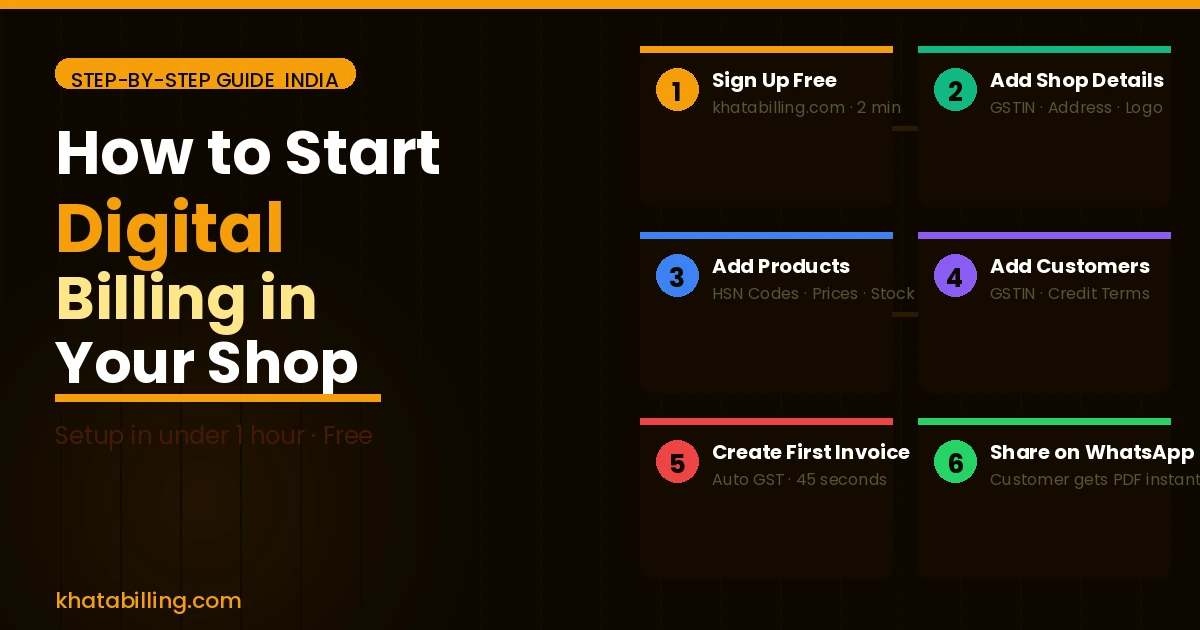
Khata Billing enables Indian retailers to accept UPI payments seamlessly through the Point of Sale screen, turning mobile phone scans into instant sales records that sync with GST-compliant invoices. This step-by-step guide shows how to enable UPI scanning, set payment limits, and weave collections into your daily routine without extra paperwork.
- Open the Khata Billing desktop or mobile app and go to Settings > POS Configuration. Select "Enable UPI" and choose your preferred UPI app (Google Pay, PhonePe, Paytm) from the list. The app will generate a QR code that updates automatically every 60 seconds, matching the latest transaction ID.
- In the same POS settings, tap "Payment Limits" to define maximum UPI amounts per transaction. Enter a ceiling of ₹5,000 for small shops or ₹10,000 for larger stores. This prevents overspending while keeping daily cash flow predictable for GST filings.
- Link your existing sales workflow: after scanning a UPI QR code, the customer selects a saved item or you add items manually. The total amount appears instantly, and Khata Billing auto-generates a GST invoice with the correct CGST, SGST or IGST split based on your HSN code.
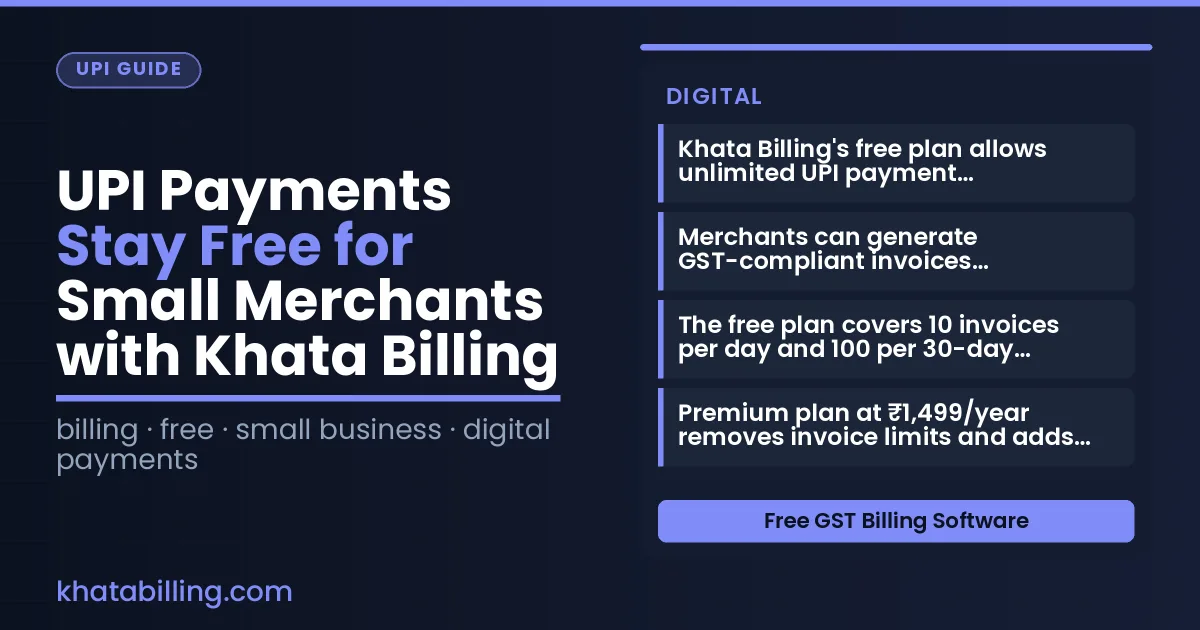
- Save the invoice to your daily collection report. Khata Billing’s free plan covers up to 10 invoices per day and 100 in any 30‑day period, ensuring you stay within limits while processing peak traffic at your shop counter.
- End the day by exporting the UPI collection summary to Excel. This report shows total UPI revenue, number of transactions, and any pending adjustments, ready for your GST return filing without manual tallying.
Comparing Manual vs Automated UPI Payment Handling
Manual UPI payment handling in Indian retail involves paper receipts, cash counting, and daily reconciliation. A shopkeeper records each UPI transaction on handwritten slips, manually adds up cash at day-end, and reconciles discrepancies against bank statements. This process consumes 30-45 minutes daily, risks human error in tallying ₹1,500 or ₹2,000 batches, and delays GST input tax credit claims for sales from ₹10,000 to ₹50,000.
Khata Billing automates this workflow by logging UPI payments instantly to digital receipts, eliminating paper receipts. Each transaction syncs to a real-time dashboard where the system auto-tallies ₹5,000 or ₹10,000 sales, updates stock levels for items like ₹200 pens, and generates GST-compliant reports. The software handles GST rates (5%, 12%, 18%) without manual calculation, ensuring accurate CGST and SGST splits for transactions such as ₹1,200 with 18% tax. Reconciliation becomes a 2-minute task: the platform matches bank statements to logged UPI payments, flagging mismatches instantly. This reduces reconciliation errors by over 90% compared to manual methods, where cashiers might miscount ₹2,500 in coins or miss a ₹500 note. Automated transaction logging also enables instant reporting of daily UPI volume, helping retailers like kirana stores analyze trends for ₹200 samosas sales versus ₹500 grocery bundles. With Khata Billing, the shift from paper-based receipt tracking to digital efficiency means faster cash counting, error-free tallying, and immediate access to GSTR-1 filing data — all within the app's secure environment.
Maximizing Daily Revenue with Integrated UPI and Inventory Management
Linking UPI payments directly to Khata Billing's stock system creates real-time inventory visibility, reducing shrinkage by automatically deducting sold items when a customer completes a UPI transaction, eliminating manual stock reconciliations that cause errors.
When a retailer sells a ₹500 product via UPI, the system instantly updates the item's stock count and records the sale in the ledger, providing immediate data for accurate restocking decisions without waiting for end-of-day reports.
Integrated sales analytics show daily transaction volumes by product category, helping shopkeepers identify fast-moving items and adjust purchase orders to prevent stockouts during peak hours, directly supporting MSME inventory management needs.
Khata Billing's free plan covers 10 invoices a day, up to 100 in any 30-day period, while Premium offers unlimited invoicing, ensuring all UPI payment records are captured without manual entry, which minimizes discrepancies in party balances and GST-compliant sales tracking.
Retailers can view real-time profit margins per item after applying CGST and SGST rates, enabling smarter pricing strategies and reducing cash flow gaps before filing GSTR-1, a Premium feature that syncs seamlessly with UPI transaction data.
UPI payments Indian retailers can now manage their entire billing cycle from a single dashboard, eliminating the need to switch between apps for inventory, invoicing, and cash collection. Khata Billing syncs every UPI transaction with GST invoices and stock levels, so the shopkeeper sees real-time accuracy without manual entry. The platform handles high transaction volumes during festival seasons and daily rushes, providing reliable reports that support better business decisions.
For shopkeepers ready to digitise their counter, Khata Billing offers a free plan that starts GST-compliant invoicing immediately, with upgrade options for unlimited invoicing and advanced features. Start free with Khata Billing and transform daily transactions into structured, insightful data.