- Why POS Software is a Game Changer for Indian Small Businesses
- Key Features Every POS System Should Have for Indian Retailers
- Worked Example: Calculating Savings from POS Automation with Real Numbers
- Step-by-Step Guide to Setting Up POS Billing Automation
- Manual Billing vs Automated POS Workflow Comparison
- Integrating POS with GST Filings and Inventory Management
- Final Tips for Choosing the Right POS Software for Your Shop
- Frequently Asked Questions
POS Software automates billing in Indian shops, replacing manual paper-based systems with digital invoicing and real-time tracking. It handles GST compliance, inventory updates, and sales reports while supporting multiple payment methods including UPI and card payments at the point of sale.
✅ Key Takeaways
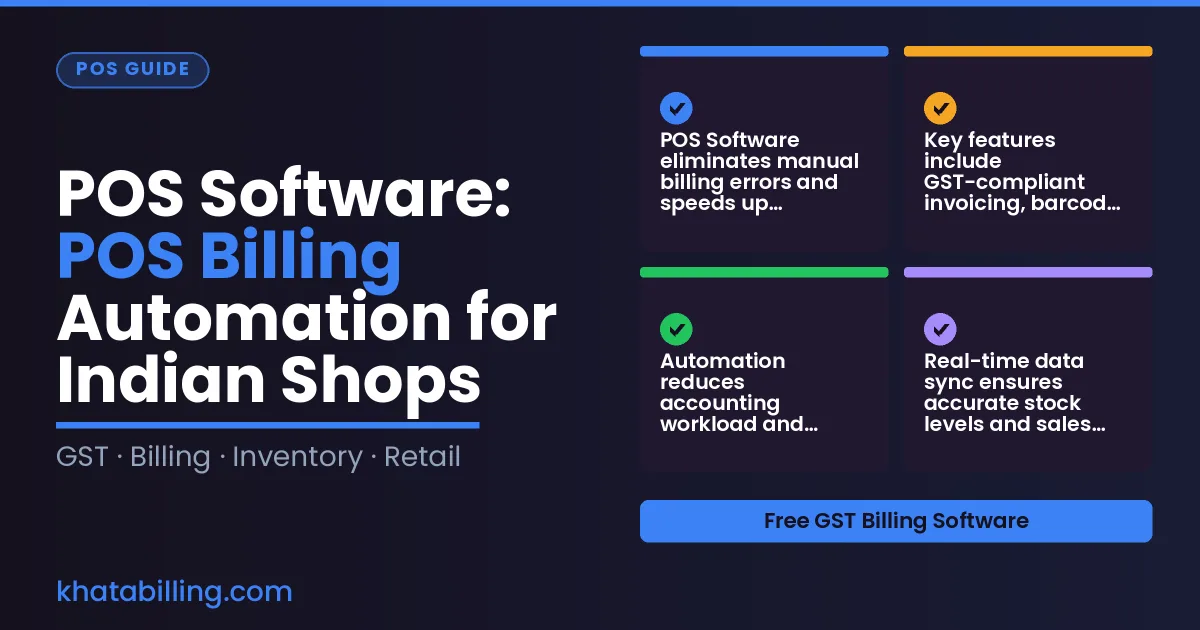
- POS Software eliminates manual billing errors and speeds up checkout for Indian retailers.
- Key features include GST-compliant invoicing, barcode scanning, and integration with inventory management.
- Automation reduces accounting workload and improves cash flow visibility for small businesses.
- Real-time data sync ensures accurate stock levels and sales reporting across devices.
- Integration with GST filings simplifies compliance and input tax credit claims for retailers.
- Choosing the right POS system requires matching features like multi-screen support and custom reporting to your shop's needs.
- Khata Billing offers POS automation with unlimited invoicing and GST-ready reports in its Premium plan.
Why POS Software is a Game Changer for Indian Small Businesses
POS Software transforms how Indian shops, retailers, and service providers handle daily transactions by replacing manual registers with digital billing, saving hours and cutting calculation errors. With Khata Billing — free GST billing software offering accurate invoice generation under GST law, shopkeepers can issue GST-compliant receipts instantly while tracking stock movements. Manual entry leads to mismatched totals, GST filing discrepancies, and lost sales records; digital POS automation resolves these by auto-calculating CGST, SGST, and IGST based on item rates and HSN codes. A typical Delhi-based grocery store processing 50 invoices daily saves 3 hours of staff time and reduces billing mistakes by nearly 100% using digital POS, as each transaction updates inventory and party balances in real time. The system supports barcode scanning for faster checkout, integrates with UPI for seamless payments, and maintains a searchable ledger for party-wise dues. For small retailers in Mumbai or service providers in Bangalore, this means faster customer turnover, accurate tax records, and no need for separate accounting software. By eliminating paper-based errors and enabling one-click invoice duplication with watermark-free formats in Premium, POS Software ensures compliance and operational efficiency across India’s diverse business landscape.
Key Features Every POS System Should Have for Indian Retailers
POS Software delivers essential capabilities that solve daily operational pain points for Indian retailers, including GST-compliant invoicing that automatically calculates CGST, SGST, and IGST based on item-level tax rates, barcode scanning that eliminates manual entry errors, and real-time stock tracking that updates inventory across devices as sales occur. Multi-location billing screens enable seamless management of multiple shop counters with synchronized inventory and customer records, while the POS billing system supports thermal printer integration for receipt generation at the point of sale. The free plan of Khata Billing covers 10 invoices a day, up to 100 in any 30-day period, with basic invoice themes and standard item barcodes, whereas the Premium plan offers unlimited invoicing, watermark-free documents, and advanced POS features like up to 20 billing screens.
Worked Example: Calculating Savings from POS Automation with Real Numbers
- A shop owner records 15 invoices daily using a traditional manual POS system, spending 45 minutes per invoice for data entry, printing, and GST verification, resulting in 11.25 hours of billing time per day and frequent transcription errors that cause ₹2,500 in monthly correction costs.
- The shop switches to Khata Billing's POS Software, enabling barcode scanning and auto-populated GST details, which reduces average billing time to 13.5 minutes per invoice, cutting total daily billing time to 3.375 hours and eliminating most data entry errors.
- By automating the process, the shop saves 7.875 hours daily (11.25 - 3.375), which translates to ₹1,875 in monthly labor savings at ₹75 per hour, while avoiding ₹2,500 in error-related losses from incorrect tax calculations and duplicate entries.
- The cumulative monthly benefit of ₹4,375 from reduced time and error avoidance exceeds the Premium plan cost of ₹999/year (₹999/year with code SAVE500), delivering a clear return on investment within the first month.
- With Inventory & stock management integrated into the POS workflow, the shop also prevents stock discrepancies that previously caused ₹1,200 in lost sales and reconciliation delays each month.
Step-by-Step Guide to Setting Up POS Billing Automation
Configure GST-ready invoicing by navigating to the Invoice Settings in Khata Billing, selecting your business GSTIN and enabling the automatic GST calculation feature for all sales. Link your bank account by going to Bank Management, choosing Add New Bank Account, entering your IFSC code and account number, and verifying with a small transaction test. For barcode printing, access the Barcode Configuration section, choose A4 thermal printer support, and generate scannable barcodes linked to your product SKUs—this eliminates manual entry errors at checkout. Train staff by scheduling a 30-minute hands-on session where they practice creating invoices on the digital interface, using the point-of-sale screen to scan barcodes, and processing payments via UPI or card. Emphasize the auto-saved drafts that prevent data loss during power fluctuations common in small shops. Remember, Khata Billing's free plan covers 10 invoices a day, up to 100 in any 30-day period, while unlimited invoicing is part of Premium. The Workflow automation feature ensures every step syncs seamlessly with your inventory and party ledger. Manual register versus digital billing shows faster transaction times and fewer GST filing errors in real shop scenarios.
Manual Billing vs Automated POS Workflow Comparison
Manual billing creates delays that hurt cash flow, especially when a shopkeeper manually counts stock and writes invoice details on paper. A single invoice may take 5-7 minutes to prepare, leading to missed sales during busy hours and errors in GST calculations that require rework. In contrast, a digital POS workflow processes an invoice in under 30 seconds, automatically applying CGST, SGST, and IGST based on the item's HSN code and updating the inventory in real time.
Consider a Delhi-based clothing retailer who reconciles 50 items in stock after a morning delivery. Paper-based reconciliation requires counting each piece, noting the quantity, and manually entering it into a ledger, which can take 20-30 minutes and introduce counting errors. With automated POS, the same task completes in 2-3 minutes as the system scans barcodes, matches stock to the purchase order, and flags discrepancies instantly, ensuring GST-compliant inventory records.
Invoice generation is another pain point. A shop owner must write the GSTIN, calculate tax, and number invoices sequentially, risking duplicate numbers or missing entries that trigger GST portal rejections. Khata Billing's free plan allows 10 invoices daily, but each manual entry still consumes time and invites mistakes. The Premium workflow offers one-click invoice duplication and automatic tax calculation, eliminating these errors and ensuring GST compliance without extra effort. The speed and accuracy of digital POS directly improve customer satisfaction and reduce administrative burden.
| Aspect | Manual Billing | Automated POS Workflow |
|---|---|---|
| Invoice Preparation Time | 5-7 minutes per invoice | Under 30 seconds per invoice |
| Error Rate in GST Calculation | High - manual tax entry causes CGST/SGST/IGST mismatches | Very Low - system auto-applies correct tax rates based on HSN |
| Stock Reconciliation Time | 20-30 minutes for 50 items | 2-3 minutes for 50 items with barcode scanning |
| GST Compliance Risk | Frequent - manual entry errors lead to rejections | Minimal - real-time validation and auto-numbering |
| Daily Invoice Limit | No technical limit but time constraints apply | Free plan: 10 invoices/day, up to 100 in 30-day period; Premium: unlimited invoicing |
Integrating POS with GST Filings and Inventory Management
POS Software automatically feeds sales data from the billing counter into GSTR-1 and inventory management systems, eliminating manual entry errors and ensuring real-time accuracy for Indian MSMEs.
When a shopkeeper records a sale using POS Software, the transaction details including GSTIN, HSN code, CGST, SGST and IGST rates are captured instantly. This data flows directly into the GSTR-1 filing module, where the system aggregates daily sales and auto-populates the correct taxable amount, allowing shop owners to file GSTR-1 by the 11th of the following month without re-entering figures from paper bills.
The same POS data synchronizes with stock valuation reports in real time. Every invoice generated through POS Software reduces the inventory count by the sold quantity and updates the stock valuation based on purchase rates and current market value, so shopkeepers see accurate stock levels at any moment, whether checking a mobile device at the store or reviewing desktop dashboards.
For example, a retailer sells 5 units of a product priced at ₹500 each with 18% GST (₹90 tax), generating a ₹590 invoice. The POS Software records this as one sale, deducts 5 units from stock, and updates the inventory valuation accordingly. At the end of the month, the shop’s GSTR-1 shows the correct taxable turnover, and the stock report reflects the reduced quantity, preventing overstocking or stockouts.
Khata Billing’s POS integration supports unlimited invoicing under Premium, so shop owners can scale sales without worrying about manual reconciliation. The system’s auto-sync feature ensures that every transaction feeds the GSTR-1 and stock valuation reports continuously, so small businesses maintain accurate GST compliance and inventory records without duplicate entry, all while operating within the free plan’s limits for daily invoices.
Final Tips for Choosing the Right POS Software for Your Shop
Choosing the right POS Software requires evaluating GST readiness, offline functionality, customer support quality, and alignment with daily transaction volume to ensure long-term efficiency gains for Indian shops.
GST readiness is critical; the software must auto-calculate CGST, SGST, and IGST based on GSTIN, generate compliant GSTR-1 summaries, and support input tax credit tracking without manual adjustments. Khata Billing meets this requirement through GST-compliant invoice templates and real-time tax reporting.
Offline functionality ensures billing continues during network outages; data syncs automatically when connectivity resumes, preventing lost transactions during power cuts or spotty internet common in many Indian shop locations.
Customer support quality matters for resolving GST filing queries or POS glitches during peak hours; priority support with quick response times reduces downtime and maintains smooth shop operations.
Daily transaction volume alignment ensures the system scales with business growth; Khata Billing's free plan handles up to 10 invoices a day, while Premium offers unlimited invoicing for high-volume retailers and wholesalers.
Assess how many billing screens your shop needs — Khata Billing supports up to 20 screens in Premium, ideal for busy counters with multiple cashiers. Verify that barcode scanning and thermal printer integration work offline, as these features speed up checkout and reduce errors in stock-heavy environments.
Prioritize a solution that updates GST rates automatically, syncs inventory across devices, and provides clear audit trails for returns and refunds. This alignment with real-world shop workflows delivers measurable efficiency gains over time.
POS Software streamlines daily operations for Indian shops by automating billing at the counter, integrating stock tracking, and generating GST-compliant invoices instantly.
Experience seamless sales management with real-time updates and accurate tax reporting; Start free with Khata Billing
Source: India’s Auto Dealers Face Post-Festive Inventory Pressure; October Retail Sales Fall 23.8%, EVs Hit Record High — www.nationpathindia.com (08 Nov 2026)