- Understanding Inventory Management Basics for Indian Shops
- Daily Stock Tracking Methods: From Paper Registers to Digital Counts
- Step-by-Step Guide to Recording Stock Movements
- Manual Stock Count vs Digital Barcode Scanning: Workflow Comparison
- Real Sales and Stock Example: Calculating Daily Inventory Balance
- Integrating Inventory Data with GST Invoicing for Accurate Returns
- Optimizing Stock Levels to Reduce Waste and Improve Cash Flow
- Frequently Asked Questions
Inventory management is essential for Indian shops to track stock levels and avoid waste while ensuring accurate billing and GST compliance. Khata Billing helps small businesses implement daily stock tracking methods that scale from paper registers to digital barcode scanning, directly addressing the core question of how to maintain inventory accuracy without extra cost.
✅ Key Takeaways
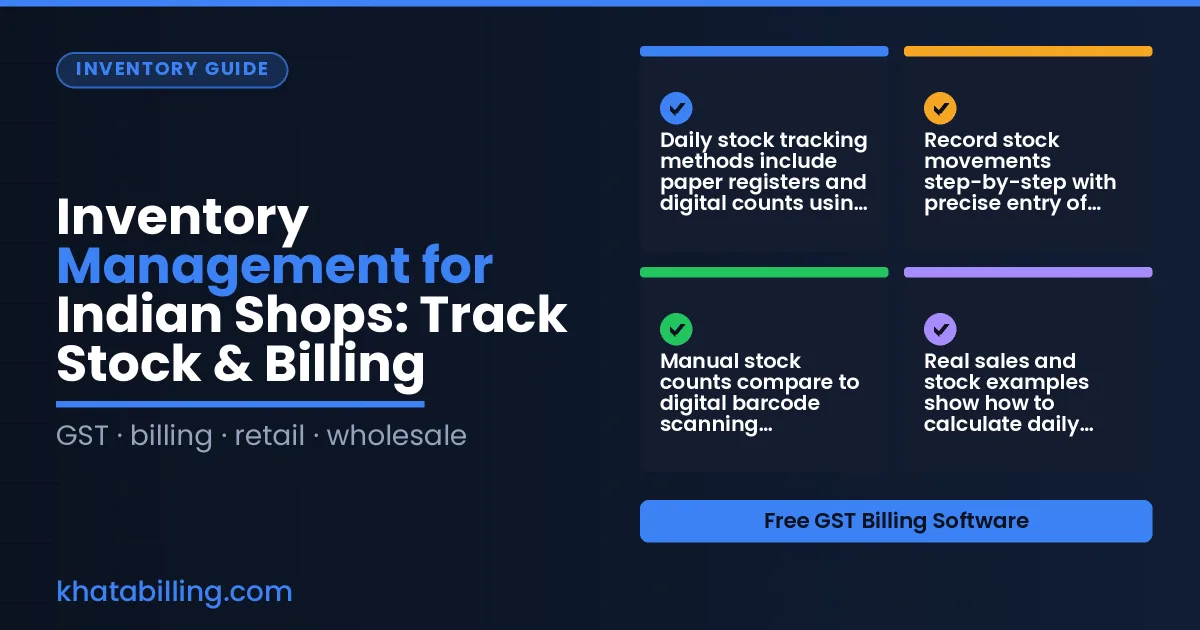
- Daily stock tracking methods include paper registers and digital counts using barcode scanning.
- Record stock movements step-by-step with precise entry of purchases, sales, and adjustments.
- Manual stock counts compare to digital barcode scanning workflows for accuracy and efficiency.
- Real sales and stock examples show how to calculate daily inventory balance using actual numbers.
- Integrate inventory data with GST invoicing to ensure accurate GSTR-1 returns and input tax credit claims.
- Optimize stock levels to reduce waste and improve cash flow by aligning purchases with sales trends.
Understanding Inventory Management Basics for Indian Shops
In the Indian retail context, Inventory & stock management is the systematic process of tracking, controlling, and optimizing the stock of goods a shop holds, from raw materials in the back room to finished products on the sales counter. This practice directly strengthens cash flow by ensuring that inventory levels match sales velocity, preventing overstocking costs and reducing the risk of stockouts that lead to lost sales. For GST compliance, accurate inventory records support correct input tax credit claims and align with the periodic valuation required for CGST, SGST, and IGST calculations under GST law. Daily shop operations benefit from real-time visibility into stock positions, enabling faster billing, smoother return-filing, and better decision-making at the point of sale. Khata Billing's Inventory & stock management feature automates stock adjustments, syncs inventory counts across devices, and updates party balances instantly, helping shopkeepers avoid manual ledger errors and maintain precise GST-compliant records without extra effort.
Daily Stock Tracking Methods: From Paper Registers to Digital Counts
Manual stock counting in Indian shops often consumes 30-60 minutes daily, with shopkeepers tallying quantities of rice, spices, or garments using paper registers. This process creates errors like recording 50 kg of turmeric as 5 kg due to illegible handwriting, leading to overstocking or stockouts. Digital methods using Khata Billing eliminate manual entry: staff scan barcodes at the stock room counter, instantly updating quantities. A shopkeeper using digital counting saves 45 minutes daily, allowing focus on customer service. For example, tracking 200 items: manual entry takes 45 minutes with 2 errors per day (e.g., miscounting 10 kg of lentils as 5 kg). Digital entry takes 8 minutes, with zero errors. The Staff management feature assigns roles to staff for accurate stock counts, ensuring accountability. Digital counts integrate with GST invoicing, so when 10 kg of dal at 15% GST (₹200/kg) is sold, the system auto-calculates ₹2,300 total (₹1,800 CGST + ₹500 SGST). Khata Billing's free plan covers 10 invoices a day, up to 100 in any 30-day period, while Premium offers unlimited invoicing and advanced stock tracking. Stock valuation improves with real-time data, reducing wastage and improving cash flow for MSMEs.
Step-by-Step Guide to Recording Stock Movements
Step 1: Open the inventory module on desktop or mobile to begin recording a purchase. Enter the supplier invoice number, date, and total amount including GST, then add each item with its quantity, HSN code, and purchase price per unit in INR.
- Log a purchase by selecting 'Add Stock', inputting the supplier invoice details, choosing the item, entering the received quantity, and confirming the unit price so Khata Billing updates the stock balance.
- For a sale, go to the sales invoice screen, select the customer, add the items sold, and the system automatically deducts the sold quantity from inventory while generating a GST-compliant invoice.
- To record a return from a customer, open the original invoice, click 'Create Return', enter the returned quantity and reason, and Khata Billing will add stock back and adjust the customer's tax credit.
- For stock adjustments like damage or internal transfers, use the 'Adjust Stock' option, specify the item, reason, and quantity change, and the system updates the ledger accordingly.
- All movements sync in real-time across devices, so your stock count is always accurate whether you're at the shop counter or managing from your phone, and this accuracy supports correct CGST and SGST calculations during filing.
This structured approach ensures every purchase, sale, return, and adjustment is captured cleanly, and Expense tracking benefits from the same reliable inventory data that feeds into accurate profit calculations for GST compliance.
Manual Stock Count vs Digital Barcode Scanning: Workflow Comparison
Manual stock counting in a traditional Indian shop involves shopkeepers physically scanning shelves with a notepad, writing down quantities, and reconciling figures against the ledger at day's end. For example, a kirana store owner might spend 30 minutes each evening counting pulses and spices, risking errors from handwriting or miscounting, especially during peak monsoon demand. In contrast, Khata Billing's digital barcode scanning lets staff use a smartphone to instantly capture item barcodes, updating stock levels in real time across devices. This eliminates manual tallying, reduces errors, and provides immediate visibility into stock levels for GST-compliant invoicing.
At the billing counter, a shopkeeper using manual methods must recall item codes or write them down, slowing checkout and increasing customer wait times. With barcode scanning, the same transaction updates inventory automatically, ensuring accurate stock records for GST filings and e-invoicing without extra effort. The workflow difference extends to stock adjustments: manual stock correction requires physical recounts and ledger updates, while digital scanning applies changes directly to the system with audit trails, supporting accurate CGST and SGST calculations during input tax credit claims.
| Manual register | Digital billing |
|---|---|
| Physical count of each item on shelves | Scan barcodes using smartphone app |
| Handwritten notes in ledger | Real-time stock updates in system |
| 30-minute evening reconciliation process | Instant stock level visibility |
| Higher error risk from manual entry | Reduced errors with auto-updated counts |
| Separate steps for counting and invoicing | Stock data directly feeds invoicing workflow |
See more about Customer & party management.
Real Sales and Stock Example: Calculating Daily Inventory Balance
To illustrate real-time inventory tracking, consider a local shop that begins the day with 50 units of a popular product, each priced at ₹200, representing a total stock value of ₹10,000. The shop owner uses Khata Billing's automated inventory system to record a sale of 15 units at ₹200 each. Each sale transaction deducts the quantity from the stock count, instantly updating the inventory balance to 35 units (35 × ₹200 = ₹7,000) and reflecting a sales value of ₹3,000 in the POS dashboard.
Later that afternoon, two customers return the purchased items, each with a ₹200 invoice, prompting the shop to log a return for 2 units. The system immediately adds these units back to the inventory, raising the balance to 37 units (37 × ₹200 = ₹7,400). The return also creates a credit entry in the sales summary, ensuring accurate GST tax calculations for both CGST and SGST components. By the end of the day, the shop has processed 15 sales and 2 returns, with the digital stock overview showing the precise remaining quantity, which aligns with GST invoice numbering and prevents manual reconciliation errors.
This practical example demonstrates how Khata Billing's real-time stock adjustment eliminates the need for end-of-day physical counts, supports accurate inventory valuation, and integrates seamlessly with GST reporting, all within the constraints of the free plan's 10-invoice daily limit and 100-invoice monthly cap.
Integrating Inventory Data with GST Invoicing for Accurate Returns
When you track stock in Khata Billing, the value of each item sold becomes part of your cost calculation for input tax credit claims under GST law. The software automatically reduces stock quantities when you create an invoice, so the recorded cost of goods sold directly influences the eligible credit amount you can claim. This linkage ensures that your GSTR-1 filing reflects accurate sales and purchase details, supporting a smooth reconciliation process during the monthly return filing cycle.
Here’s how it works in practice: when you record a purchase of 50 units of a product at ₹200 each, the inventory value rises to ₹10,000. When you sell 20 units at ₹300 each through an invoice, Khata Billing logs the cost of goods sold as ₹4,000 (20 × 200). This amount reduces your taxable input credit, and the same invoice data populates the sales figure needed for GSTR-1. The system maintains a running stock ledger that syncs across devices, so the numbers you see in the dashboard match the figures you report in your return.
Key benefits for Indian shop owners:
- Real-time stock adjustments ensure that the cost basis for input credit is always current.
- Automatic invoice generation ties sales data to purchase records, simplifying GSTR-1 preparation.
- Accurate stock valuation supports transparent audit trails required by GST authorities.
With Khata Billing’s free plan, you can manage up to 100 invoices per month, which is sufficient for small shops to keep inventory and tax data aligned. For larger volumes, the Premium plan provides unlimited invoicing, ensuring that stock tracking never becomes a bottleneck for your GST filings.
Optimizing Stock Levels to Reduce Waste and Improve Cash Flow
Set reorder points by calculating the average daily sales of each item and adding the lead time in days. For example, if you sell 15 soap bars daily and the supplier takes 5 days to deliver, set the reorder point at 75 bars. This prevents stockouts while keeping cash tied up in fewer items. Use Khata Billing's real-time inventory tracking to monitor stock levels on your mobile device during the day.
For fast-moving items like biscuits or tea packets, review sales data weekly and adjust reorder points every 15 days. Keep a safety buffer of 20-30% for items with seasonal demand spikes, such as mango pulp before summer. Store fast-moving goods near the billing counter so you can quickly scan barcodes and create invoices without delay. Khata Billing's barcode-based invoice creation links directly to stock updates, so each sale automatically reduces inventory, preventing manual errors that waste time and money.
Use the daily stock summary and party balance reports in Khata Billing to identify overstocked items. If a product has been sitting for more than 60 days with no sales, consider offering a small discount or bundling it with a fast-moving item to free up cash. The Profit & Loss report, available in the Premium plan for ₹1,499/year (or ₹999/year with code SAVE500), shows how excess stock affects margins. Export stock data to Excel for deeper analysis, and always consult a chartered accountant when filing GST returns based on inventory valuations.
Effective inventory management lets your shop track stock movements and generate accurate bills, directly improving cash flow and customer satisfaction.
Experience seamless stock tracking and billing in practice – Start free with Khata Billing.
Source: India auto dealers flag inventory, financing costs — Newswav (06 Nov 2026)