- Why Manual Billing is Hurting Your Retail Business
- Must-Have Features for a Retail Shop Billing Software
- 1. Speed at the Counter
- 2. Real-Time Inventory Sync
- 3. Customer Credit Management
- 4. Multiple Payment Modes
- 5. GST Reports Ready for Your CA
- Khata Billing for Retail — What You Get
- How Retail Shop Owners Set Up Khata Billing
- Khata Billing vs Alternatives for Retail
- Frequently Asked Questions
India's retail sector — from neighbourhood kirana stores to growing multi-product shops — shares one universal pain point: billing. Manual bills lead to errors, stock mismatches, GST non-compliance, and hours lost at month-end reconciliation.
The right billing software doesn't just speed up checkout. It connects your sales, inventory, customer records, and taxes into one live system — giving you complete control of your shop without a single spreadsheet.
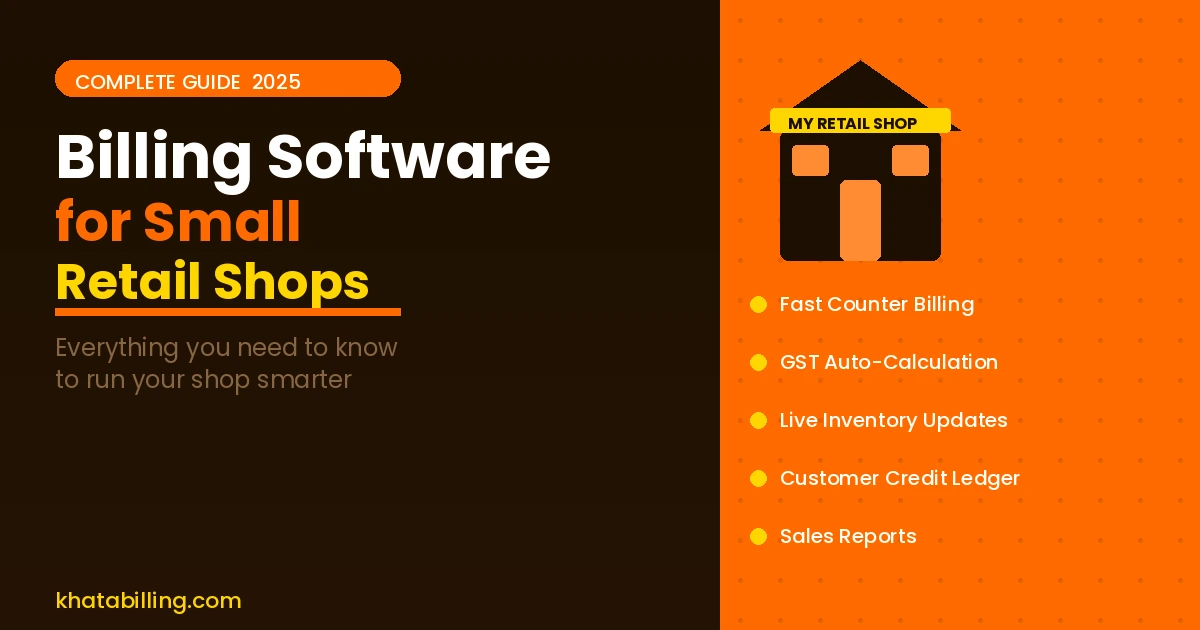
This guide covers everything a retail shop owner needs to know about choosing billing software in 2025, and why Khata Billing has become the go-to choice for thousands of Indian retailers.
✅ Key Takeaways
- Fast counter billing — bill in seconds, not minutes
- Automatic GST calculation (CGST/SGST/IGST)
- Inventory auto-update with every sale
- Low stock alerts before you run out
- Customer ledger — who owes how much
- Multiple payment modes: cash, UPI, card, credit
- Daily/weekly/monthly sales reports
- Works on mobile, tablet, and desktop
Why Manual Billing is Hurting Your Retail Business
Most small retail shops start with handwritten bills or basic Excel sheets. It works — until it doesn't. Here's what typically goes wrong:
- Stock never matches sales: Manual stock counting takes hours and is always slightly off. Customers ask for items you thought you had. You reorder things you already have excess of.
- GST errors cost you: Wrong HSN code, wrong tax rate, or CGST applied on an inter-state sale — each error can cause ITC rejection for your customer and notices for you.
- Collections slip through: Credit sales to regular customers go untracked. End of month, you can't remember who owes what without going through every bill manually.
- No data to make decisions: Which products sell most? Which days are slowest? Which customers buy the most? Without billing software, you're guessing.
Khata Billing solves all four problems from day one.
Must-Have Features for a Retail Shop Billing Software
Not every billing feature matters equally for retail. Here's what actually matters for a shop counter:
1. Speed at the Counter
Your billing software must be fast. Customers waiting at the counter while you type in product codes are customers who will visit a different shop next time. Look for: barcode scanning support, product search by name or code, frequently used items saved for one-tap addition, and a clean keyboard-free option for tablet use.
Khata Billing lets you search products by name instantly and add them with a single tap. A 10-item bill takes under 30 seconds.
2. Real-Time Inventory Sync
Every item you sell must reduce your stock count automatically. No end-of-day manual counting. No stock mismatches. Khata Billing updates inventory the moment you save a bill — you always know exactly what's in stock.
The low-stock alert feature tells you when any item falls below your set minimum quantity, so you reorder before you run out — not after.
3. Customer Credit Management
Retail shops in India — especially neighbourhood stores — often extend credit to regular customers. "Udhari" is a reality of Indian retail. Khata Billing maintains a running ledger for every customer: total billed, total paid, and outstanding balance.
You can see the complete account of any customer in two taps, share their statement via WhatsApp, and record partial payments against any invoice.
4. Multiple Payment Modes
Modern retail collections happen across cash, UPI, debit/credit card, and store credit. Your billing software must record the payment mode for every transaction — not just the amount. Khata Billing supports all payment modes and shows you a payment-mode-wise collection report daily.
5. GST Reports Ready for Your CA
Every GST-registered retailer needs to file GSTR-1 monthly. Khata Billing generates a ready-to-use GSTR-1 summary report — just share it with your CA or use it to file yourself. No manual data compilation, no spreadsheet exports needed.
Khata Billing for Retail — What You Get
Here's what a retail shop owner gets from day one on Khata Billing's free plan:
- Unlimited bills — no per-invoice charges
- Product catalogue — add all items with HSN codes, GST rates, and prices once
- Auto inventory — stock reduces with every bill, updates when you receive new stock
- Customer accounts — full ledger for every customer including credit sales and payments
- PDF invoices — professional, branded invoices with your logo
- WhatsApp sharing — send invoices to customers in one tap
- Sales dashboard — today's sales, top products, payment collection at a glance
How Retail Shop Owners Set Up Khata Billing
Getting started for a retail shop takes about 30 minutes of one-time setup:
- Create free account: Go to khatabilling.com, sign up, enter shop name, address, and GSTIN
- Import or add products: Add your products with names, HSN codes, GST rates, prices, and opening stock. If you have an Excel list, it can be imported directly.
- Add regular customers: Add your credit customers' details and opening balances
- Start billing: Your first bill at the counter can happen within the hour
Khata Billing vs Alternatives for Retail
How does Khata Billing compare to other common choices for retail shops?
- vs Vyapar: Both are good for retail. Vyapar has better offline mode. Khata Billing has a cleaner web interface and is easier to use on tablets without app installation.
- vs Tally: Tally is an accounting tool, not a retail billing tool. It's expensive, complex, and overkill for most small shops. Khata Billing is purpose-built for billing at the counter.
- vs Manual/Excel: No comparison. Khata Billing eliminates stock errors, GST mistakes, and collection tracking issues that are unavoidable with manual methods.
For a small retail shop in India, billing software isn't an expense — it's the system that keeps your shop running accurately and compliantly. Khata Billing gives you everything a retail shop needs: fast billing, live inventory, customer credit management, and GST compliance — all for free.
Sign up at khatabilling.com and have your shop's billing system ready today. Setup takes 30 minutes. The benefits last for years.