Some Indian businesses operate in locations where internet connectivity is genuinely unreliable — frequent power cuts, no 4G coverage, or slow speeds that make cloud software impractical. For these businesses, offline billing software that runs on Windows without an internet connection is the right choice.
This guide covers the best offline billing software options for Windows users in India — and also explains when a cloud solution like Khata Billing is actually the smarter and more cost-effective choice.
✅ Key Takeaways
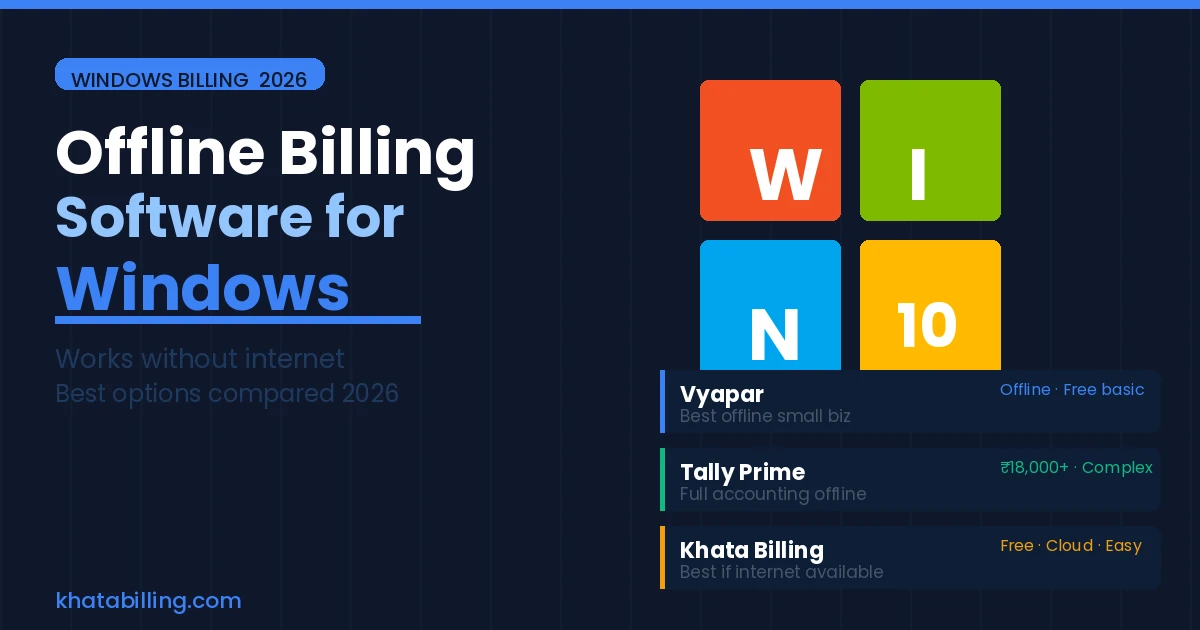
- Vyapar: best offline billing app for small businesses on Windows
- Tally Prime: best for full accounting + billing, offline
- Busy Accounting: best for wholesale and distribution, offline
- Khata Billing: best if internet is available — free, cloud, no installation
- Offline software requires manual backup to prevent data loss
- Cloud billing is safer for data — automatic backup always on
Top Offline Billing Software for Windows in India
1. Vyapar (Best for Small Business Offline)
Available as a Windows desktop app with full offline functionality. Creates GST-compliant invoices, manages inventory, tracks customer accounts — all without internet. Syncs to cloud when connected. Free basic version available; paid plan from ₹1,499/year.
2. Tally Prime (Best for Accounting + Billing)
The industry standard for complete accounting with offline billing. Works entirely locally on Windows. Requires installation and license (₹18,000+ one-time). Steep learning curve — best for businesses needing full accounting.
3. Busy Accounting (Best for Wholesale/Distribution)
Strong offline Windows software for wholesale and distribution businesses. Multi-godown inventory, complex GST scenarios, party-wise outstanding — all offline. Starts at ₹9,000/year.
The Hidden Costs of Offline Billing Software
Offline billing software has real costs beyond the license fee:
- Data loss risk: All data is on your local PC. If it crashes, is stolen, or damaged — and you haven't backed up manually — data is gone. Manual backups are often forgotten.
- Single-device tied: You can only access your billing from the machine where it's installed. No mobile access, no billing from another location.
- Update maintenance: Manual software updates required. Miss an update and you may have GST compliance gaps as rules change.
- No multi-device sync: If you have more than one PC, data doesn't sync between them automatically.
When to Choose Khata Billing Instead (Even for Windows Users)
If your internet is reasonably reliable (including mobile 4G as backup), Khata Billing on Windows browser is a better choice than offline software:
- Zero installation — open browser, login, start billing
- Automatic cloud backup — data never lost
- Access from any device — PC, mobile, tablet
- Free — no license fee vs ₹1,499–₹18,000+ for offline tools
- Always up to date — GST rule changes reflected automatically
If your location has genuine internet unavailability, Vyapar is the best offline billing software for Windows in India. For everyone with reasonable connectivity — even just mobile 4G — Khata Billing delivers better features, zero cost, and automatic data backup without installing anything.